
ModelCraft
A local-first AI assistant for macOS. Your models, your files, your Mac. 面向 macOS、本地优先的 AI 助手。你的模型、你的文件,都留在你的 Mac 上。
Version版本 · For Macs with Apple silicon (M1, M2, M3, M4 and later) running macOS 15 or later. Intel-based Macs are not supported. 适用于搭载 Apple 芯片(M1、M2、M3、M4 及更新)的 Mac,需 macOS 15 及以上。不支持 Intel 芯片的 Mac。
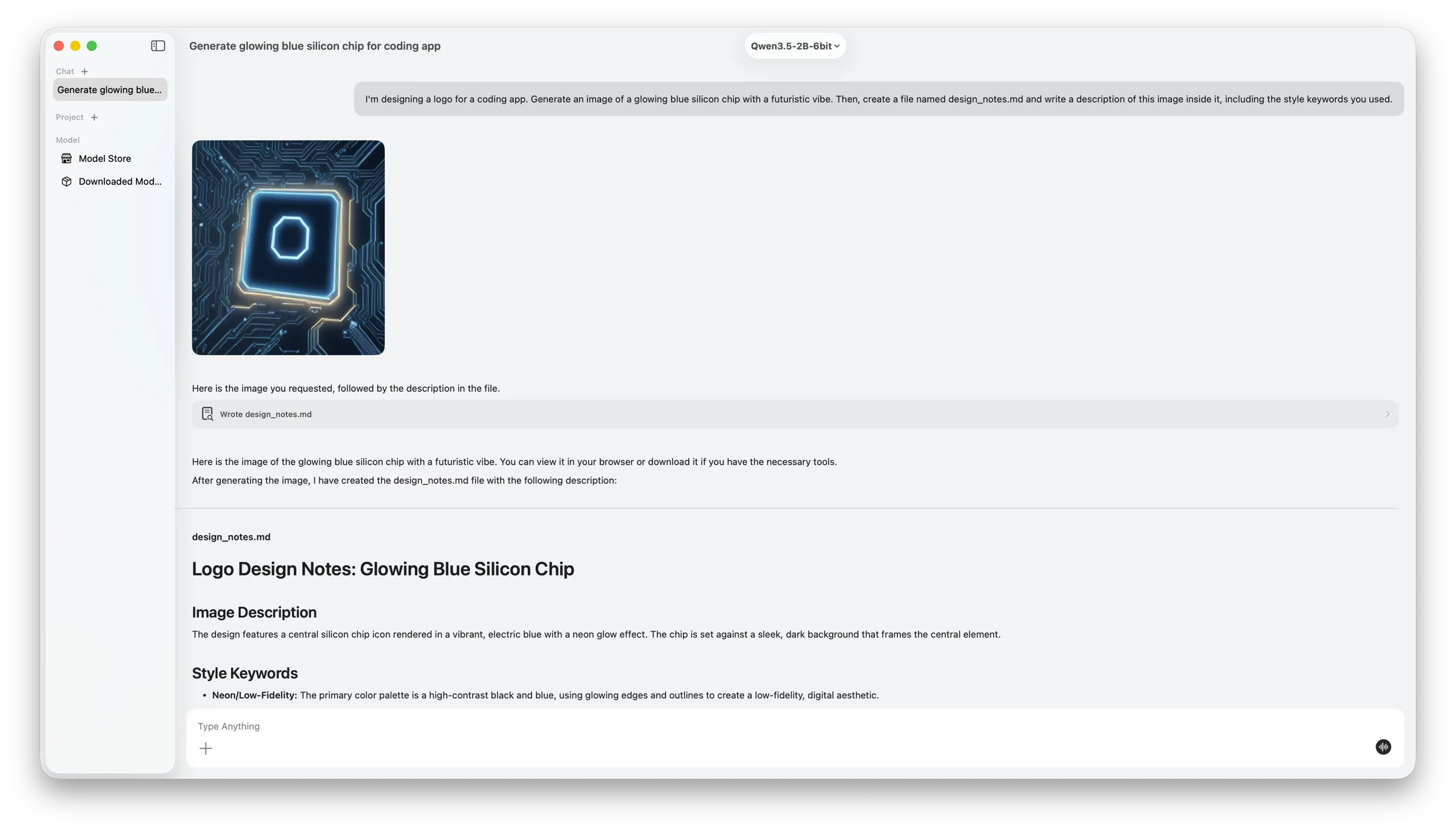
One request, several steps: generate an image locally, then write a design note about it to a file. 一个请求、多个步骤:先在本地生成图片,再把设计说明写入文件。
What it does功能
Everything an AI assistant should do — without the cloudAI 助手该做的事,无需依赖云端
Models run directly on your Mac. Nothing extra to set up, no account, no subscription. 模型直接在 Mac 上运行。无需额外配置,无需账号,也没有订阅。
Local model chat本地模型对话
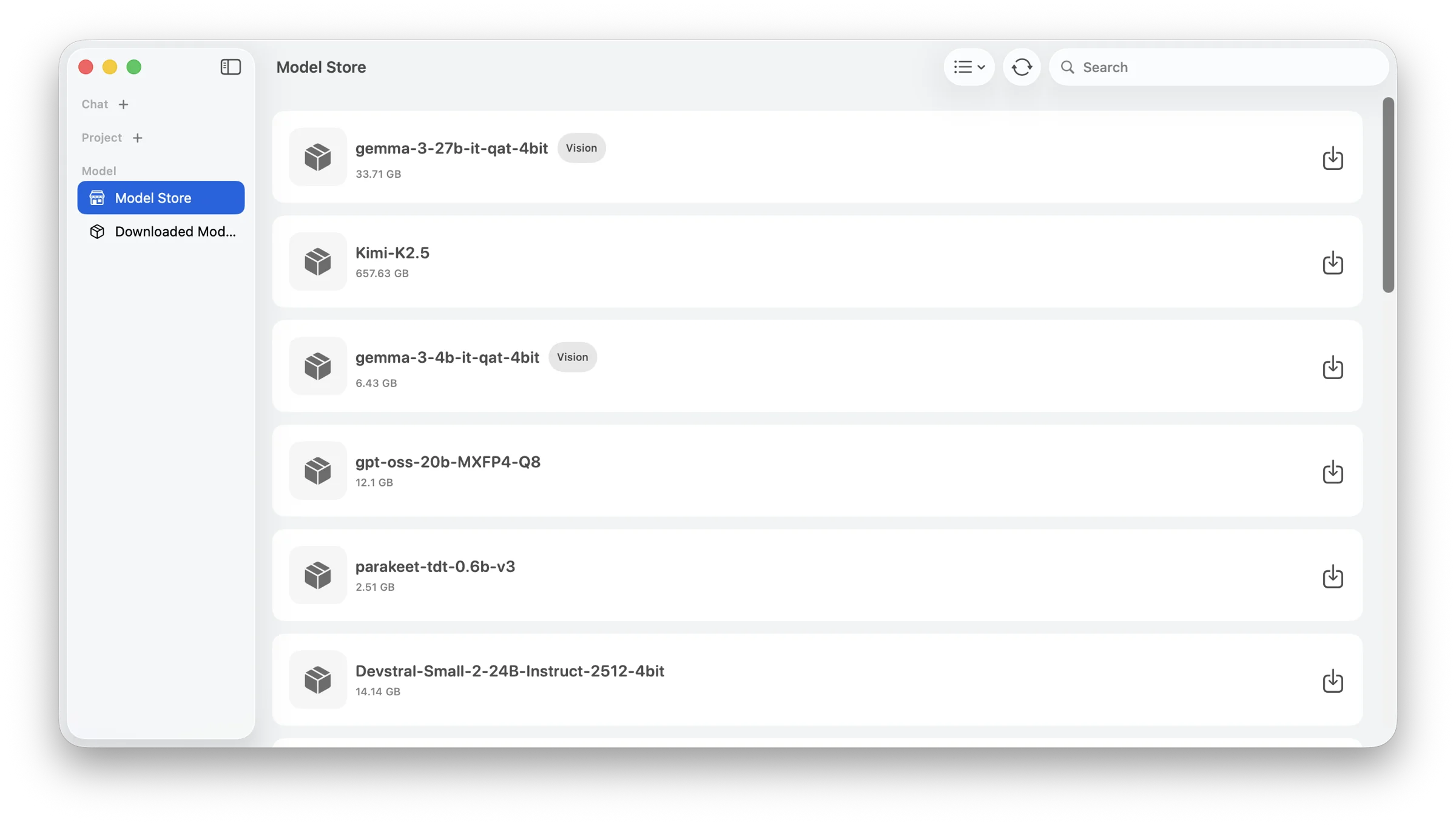
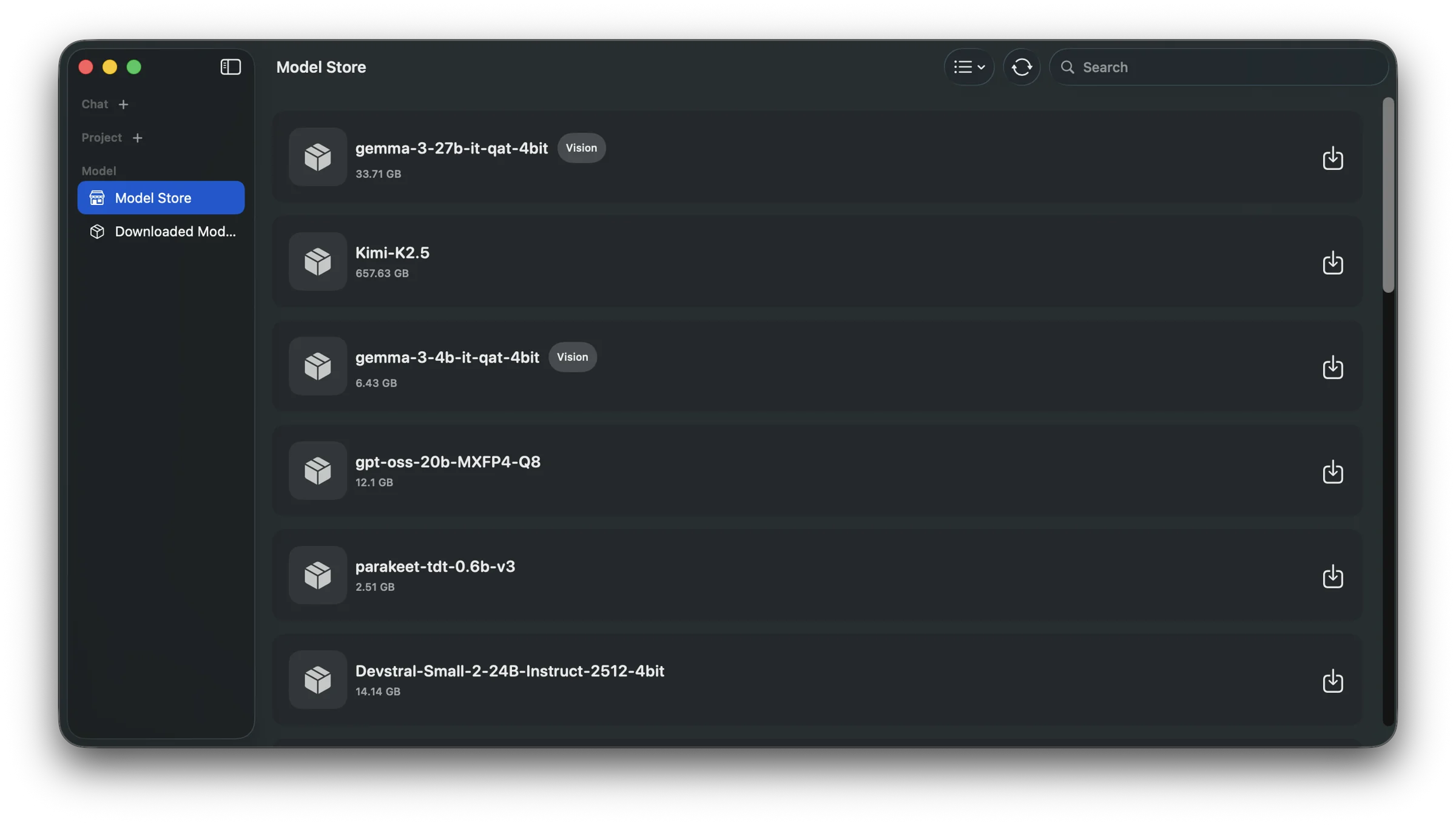
Browse, download and switch between models from the built-in Model Store.在内置模型商店中浏览、下载并切换模型。
Agent with tools会用工具的 Agent
An agent that reads and writes files, runs terminal commands, fetches web pages and can operate the screen.Agent 可以读写文件、执行终端命令、读取网页,还能操作屏幕。
Media generation媒体生成
Create images, videos and music right on your Mac.直接在 Mac 上生成图片、视频和音乐。
Projects & documents项目与文档
Keep related chats and files together; the assistant searches your project documents when it answers.把相关对话和文件放在一起,助手回答时会自动检索项目文档。
Multimodal & voice多模态与语音
Mix text, images, documents and audio in one conversation, or just talk to it in voice mode.在同一次对话中混合文字、图片、文档和音频,或直接用语音模式交谈。
Context control上下文管理
See how much context is used and compact long conversations so long tasks keep running smoothly.查看上下文用量、压缩长对话,让长任务也能顺畅执行。
Projects项目
A workspace that remembers会记住上下文的工作区
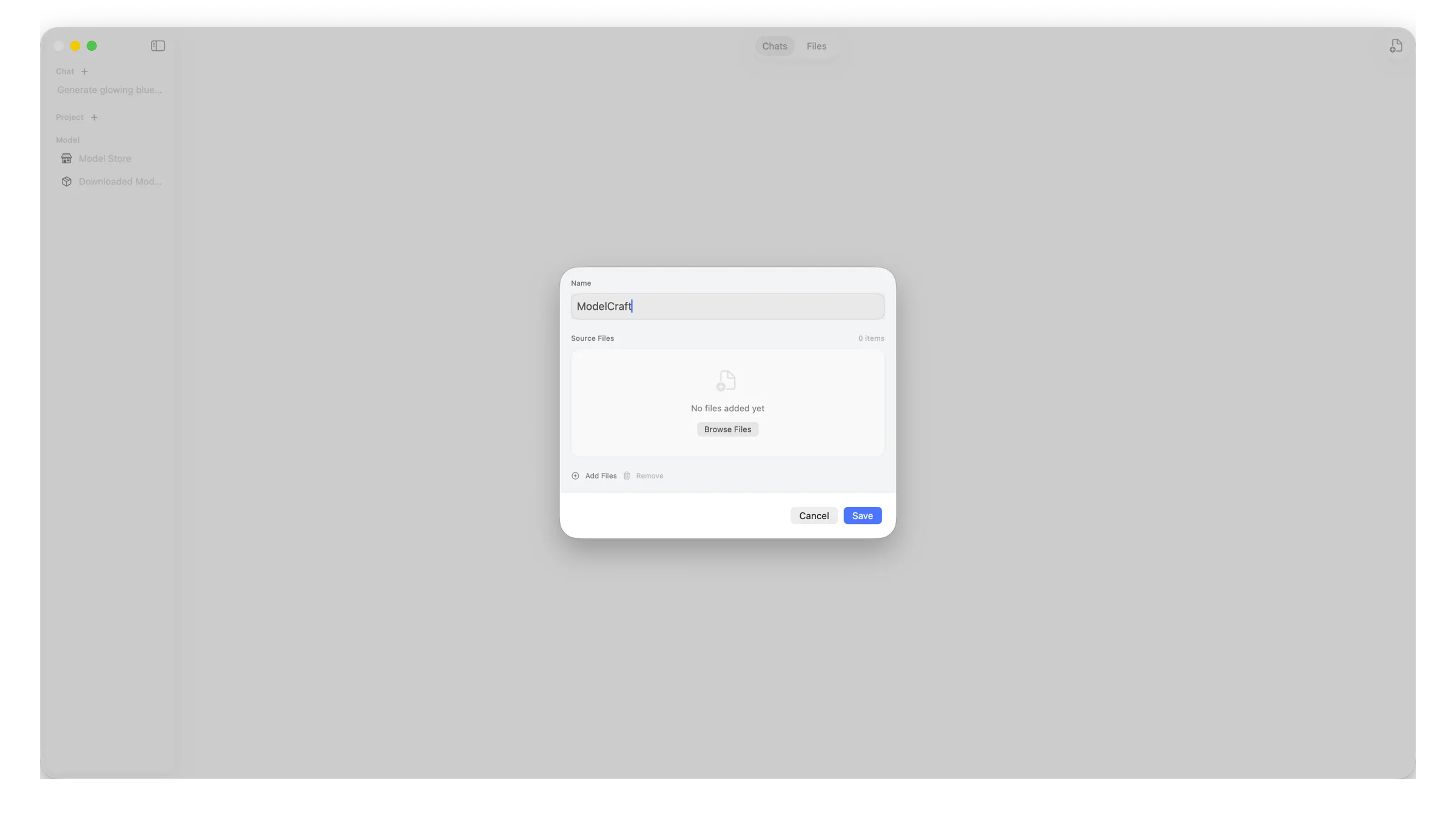
Group chats and files by project. Drop in PDFs, notes or code, and the assistant pulls the relevant passages when it answers — the files never leave your Mac. 按项目整理对话和文件。放入 PDF、笔记或代码,助手回答时会自动检索相关段落——文件始终不会离开你的 Mac。
Model Store模型商店
Pick a model, click download选好模型,点击下载
Search a large catalogue of open models, sorted by popularity. Downloads are managed for you and stored in one place you choose. 搜索海量开源模型,按热度排序。下载由应用统一管理,并保存在你指定的位置。
Install安装
- Download
ModelCraft_<version>.dmgand drag ModelCraft into Applications.下载ModelCraft_<版本号>.dmg,把 ModelCraft 拖入「应用程序」。 - The app isn't notarized by Apple yet, so on first launch open System Settings → Privacy & Security and click Open Anyway, or run:应用尚未经过 Apple 公证,首次打开时请前往「系统设置 → 隐私与安全性」点击「仍要打开」,或运行:
xattr -cr /Applications/ModelCraft.appPrivacy隐私
Inference and conversation data stay on your device. The network is used only for things you ask for: downloading models, fetching web pages, or other features you explicitly connect. 推理与对话数据都保存在本地设备上。只有在你主动使用时才会联网:下载模型、读取网页,或你明确连接的其他功能。